

Close Menu
    What's Hot

    Basement Waterproofing 101: Can You Seal Basement Walls from the Inside?

    March 19, 2026

    Things to Know Before Installing a Swimming Pool in Your Backyard

    March 12, 2026

    How to Provide Emergency Care for Pets

    March 12, 2026
    Facebook X (Twitter) Instagram
    Trending
    • Basement Waterproofing 101: Can You Seal Basement Walls from the Inside?
    • Things to Know Before Installing a Swimming Pool in Your Backyard
    • How to Provide Emergency Care for Pets
    • How to Prepare Your House for a Quick and Stress-Free Sale
    • Stainless Steel Applications in Modern Industry
    • Learners Advancing Beyond Curriculum Limits with Z-library
    • Cold Chain Cost Controls Every Supply Manager Should Know
    • Outdoor Kitchens and Living Spaces That Feel Like a Real Extension of Your Home
    • Home
    • Privacy Policy
    • Contact Us
    Facebook X (Twitter) Instagram
    visitinghub.orgvisitinghub.org
    Subscribe
    Monday, March 23
    • Home
    • News
    • Business
    • Fashion
    • Lifestyle
    • Health
    • Sports
    • Entrepreneur

      Slow Travel in Puglia From Trulli Villages to Coastal Towns

      December 3, 2025

      How Destination Marketing Transforms Small Town Tourism

      November 8, 2025

      How Technology Is Changing the Commercial Construction Industry

      September 3, 2025

      Navigating Due Diligence And Audit Readiness In Transferable Tax Credits

      July 30, 2025

      Why Wellness Lovers Are Obsessed with Reading Food Labels, Even for Their Pets

      July 7, 2025
    • Actors
    visitinghub.orgvisitinghub.org
    Home » News » SRD Status Check: How to Verify Your Social Relief of Distress Grant

    SRD Status Check: How to Verify Your Social Relief of Distress Grant

    WashimBy WashimFebruary 14, 2025Updated:February 14, 2025 News No Comments5 Mins Read
    Share
    Facebook Twitter LinkedIn Pinterest Email

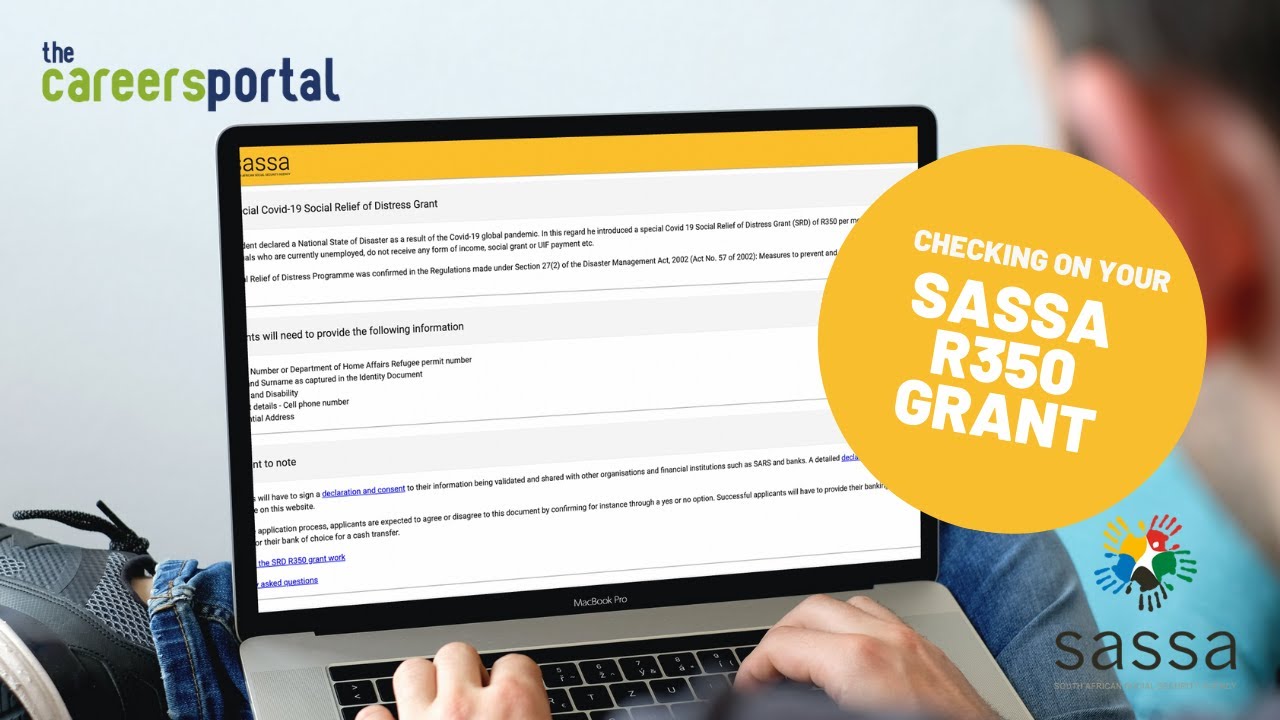
    The Social Relief of Distress (SRD) Grant is a crucial financial aid program designed to help individuals facing economic hardship. The grant, provided by the South African Social Security Agency (SASSA), offers temporary financial assistance to eligible applicants. If you’ve applied for the SRD grant, it’s essential to keep track of your application progress. This is where an SRD Status Check comes in handy.

    In this guide, we’ll cover everything you need to know about checking your SRD grant status, understanding possible outcomes, and troubleshooting any issues that may arise.

    Table of Contents

    Toggle
    • What Is the SRD Grant?
    • How to Perform an SRD Status Check
      • 1. Online SRD Status Check
      • 2. Check Your SRD Status via WhatsApp
      • 3. SRD Status Check via USSD Code
    • Understanding SRD Status Results
      • 1. Approved
      • 2. Pending
      • 3. Declined
    • How to Appeal a Declined SRD Grant Application
    • Frequently Asked Questions (FAQs)
      • 1. How long does it take for SASSA to process an SRD application?
      • 2. How often should I check my SRD status?
      • 3. What if my phone number has changed?
      • 4. When are SRD grant payments made?
    • Conclusion

    What Is the SRD Grant?

    The SRD grant is a special provision introduced to assist unemployed and vulnerable individuals in South Africa. This initiative has played a vital role in providing financial relief, especially in times of economic crises, such as during the COVID-19 pandemic.

    To qualify for the SRD grant, an applicant must:

    • Be a South African citizen, permanent resident, or a refugee registered with Home Affairs.
    • Be between 18 and 60 years old.
    • Not be receiving any other social grant or unemployment benefits.
    • Not be employed or have any substantial source of income.

    If you meet the criteria and have applied for the grant, the next step is to monitor the progress of your application through an SRD Status Check.

    How to Perform an SRD Status Check

    Checking your SRD status is a straightforward process. SASSA provides multiple methods to verify the status of your application.

    1. Online SRD Status Check

    The easiest way to check your SRD status is through the official SASSA website. Follow these steps:

    1. Visit the SASSA SRD website.
    2. Scroll to the “Check Status” section.
    3. Enter your ID number and the mobile number used during application.
    4. Click on “Submit.”
    5. Your application status will be displayed on the screen.

    2. Check Your SRD Status via WhatsApp

    For those who prefer mobile communication, SASSA allows applicants to check their SRD grant status via WhatsApp.

    1. Save the SASSA WhatsApp number: 082 046 8553.
    2. Open WhatsApp and send a message saying “SRD Status”.
    3. Provide your ID number when prompted.
    4. You will receive a response detailing your application status.

    3. SRD Status Check via USSD Code

    Another quick method to check your SRD grant status is using a USSD code on your phone.

    1. Dial 1347737# on your mobile device.
    2. Follow the prompts to enter your ID number.
    3. Your status will be displayed on your screen.

    Understanding SRD Status Results

    Once you’ve performed an SRD Status Check, you may receive one of the following results:

    1. Approved

    If your application is approved, it means you are eligible for the grant. The status will also indicate the payment date and the bank account details where the money will be deposited.

    2. Pending

    A pending status means that SASSA is still processing your application. This could be due to high application volumes or verification delays. It’s best to check back in a few days.

    3. Declined

    If your application is declined, SASSA will provide a reason, such as:

    • You already receive financial aid from another source.
    • Your details do not match Home Affairs records.
    • Your bank records show a source of income that disqualifies you.

    If you believe the rejection was an error, you can submit an appeal through the SASSA website.

    How to Appeal a Declined SRD Grant Application

    If your application has been declined, you have the right to appeal. Follow these steps to submit an appeal:

    1. Visit the SRD Appeals Website.
    2. Enter your ID number and cellphone number.
    3. Select the month for which your application was declined.
    4. Provide additional information if required.
    5. Submit your appeal and wait for feedback.

    It is important to submit your appeal within 90 days of receiving a rejection.

    Frequently Asked Questions (FAQs)

    1. How long does it take for SASSA to process an SRD application?

    It usually takes 7 to 14 days, but delays may occur depending on application volumes.

    2. How often should I check my SRD status?

    You can check your status once a week to stay updated on your application progress.

    3. What if my phone number has changed?

    If you no longer have access to the phone number used for the application, you must update your details on the SASSA SRD website before performing an SRD Status Check.

    4. When are SRD grant payments made?

    Payments are typically made monthly. Approved applicants will receive an SMS notification with details of their payment date.

    Conclusion

    Performing an SRD Status Check is essential for keeping track of your application progress. Whether you check online, via WhatsApp, or through a USSD code, staying informed ensures that you can take action if needed. If your application is declined, remember that you can appeal within 90 days to request a review.

    By following the steps outlined in this guide, you can ensure that you stay updated on your SRD grant status and receive the financial support you need.

    For more informational content visit : NRUTimes


    Washim

    Keep Reading

    Basement Waterproofing 101: Can You Seal Basement Walls from the Inside?

    Cold Chain Cost Controls Every Supply Manager Should Know

    Outdoor Kitchens and Living Spaces That Feel Like a Real Extension of Your Home

    How to Control Fear After a Losing Trade

    Complete Business and Residential Moving Services Designed for Australian Cities

    5 Digital Funeral Planning Tools That Simplify the Process

    Add A Comment
    Leave A Reply Cancel Reply

    You must be logged in to post a comment.

    Latest Posts

    Basement Waterproofing 101: Can You Seal Basement Walls from the Inside?

    March 19, 2026

    Things to Know Before Installing a Swimming Pool in Your Backyard

    March 12, 2026

    How to Provide Emergency Care for Pets

    March 12, 2026

    How to Prepare Your House for a Quick and Stress-Free Sale

    March 10, 2026

    Stainless Steel Applications in Modern Industry

    March 5, 2026

    Learners Advancing Beyond Curriculum Limits with Z-library

    March 3, 2026

    Cold Chain Cost Controls Every Supply Manager Should Know

    February 26, 2026

    Outdoor Kitchens and Living Spaces That Feel Like a Real Extension of Your Home

    February 26, 2026

    The Ultimate Guide to Modern Online Games: How They Work, Why They’re Popular, and Where Top Brands Stand

    February 25, 2026

    How Small Businesses Can Prepare for Unexpected Risks

    February 23, 2026
    Social Follow
    • Facebook
    • Instagram
    • Telegram
    • WhatsApp
    • LinkedIn
    • TikTok
    Categories
    • Actors
    • Author
    • Basketball player
    • Blog
    • Business
    • Businesswoman
    • comedian
    • Companies Net Worth
    • Dancer
    • Entrepreneur
    • Fashion
    • Finance
    • Football Player
    • Gymnast
    • Health
    • Law
    • Lifestyle
    • News
    • Others
    • producer
    • Rappers
    • Singer
    • Songwriter
    • Sports
    • Technology
    • Travel
    • U.S. President
    © Copyright 2025, All Rights Reserved
    • Home
    • Privacy Policy
    • Contact Us

    Type above and press Enter to search. Press Esc to cancel.